

Oria Marine offers a comprehensive fleet management solution that helps you handle your maintenance plan.
Create a maintenance event
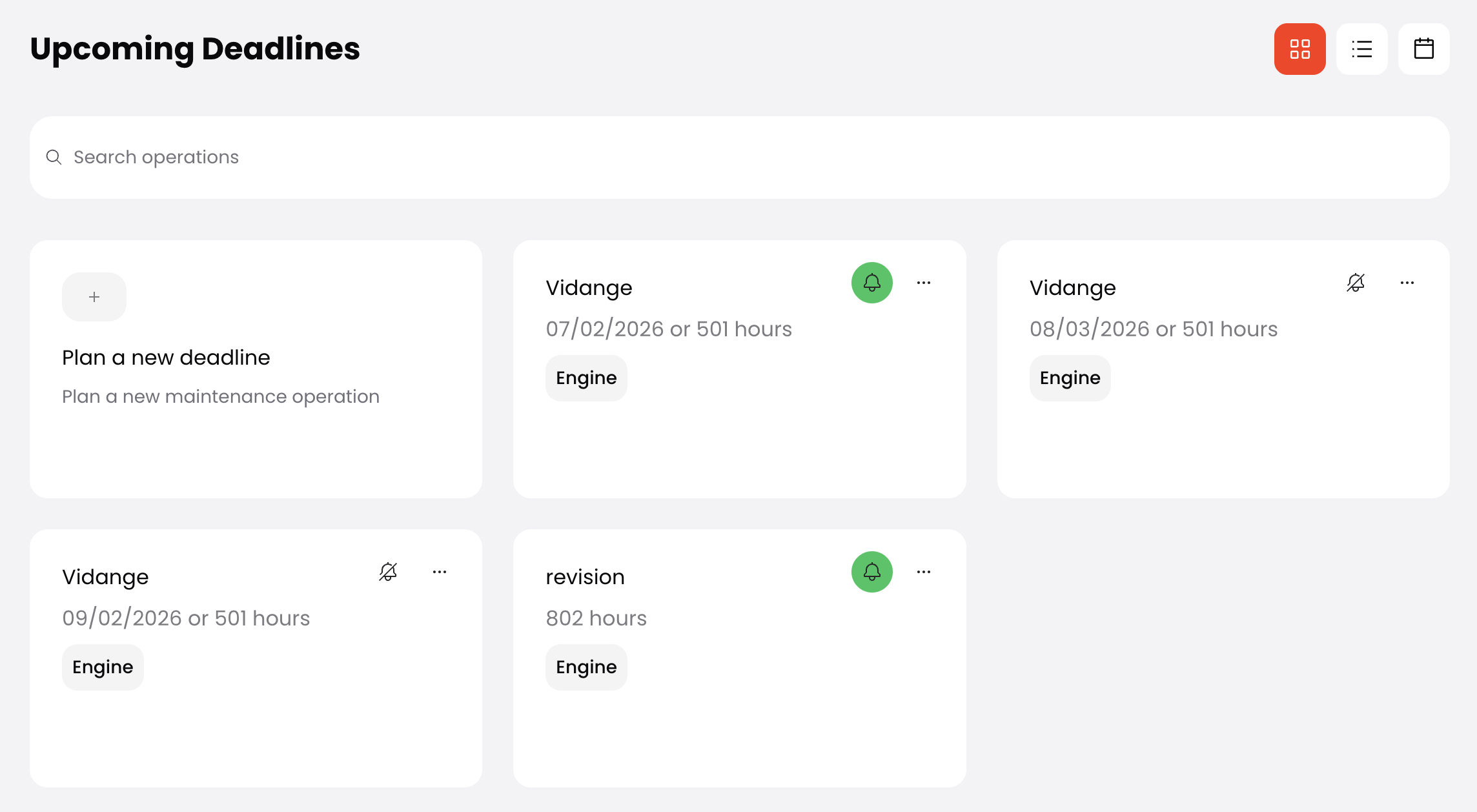
To create a maintenance event, go to the maintenance tab of your boat. Then select "plan a new deadline".
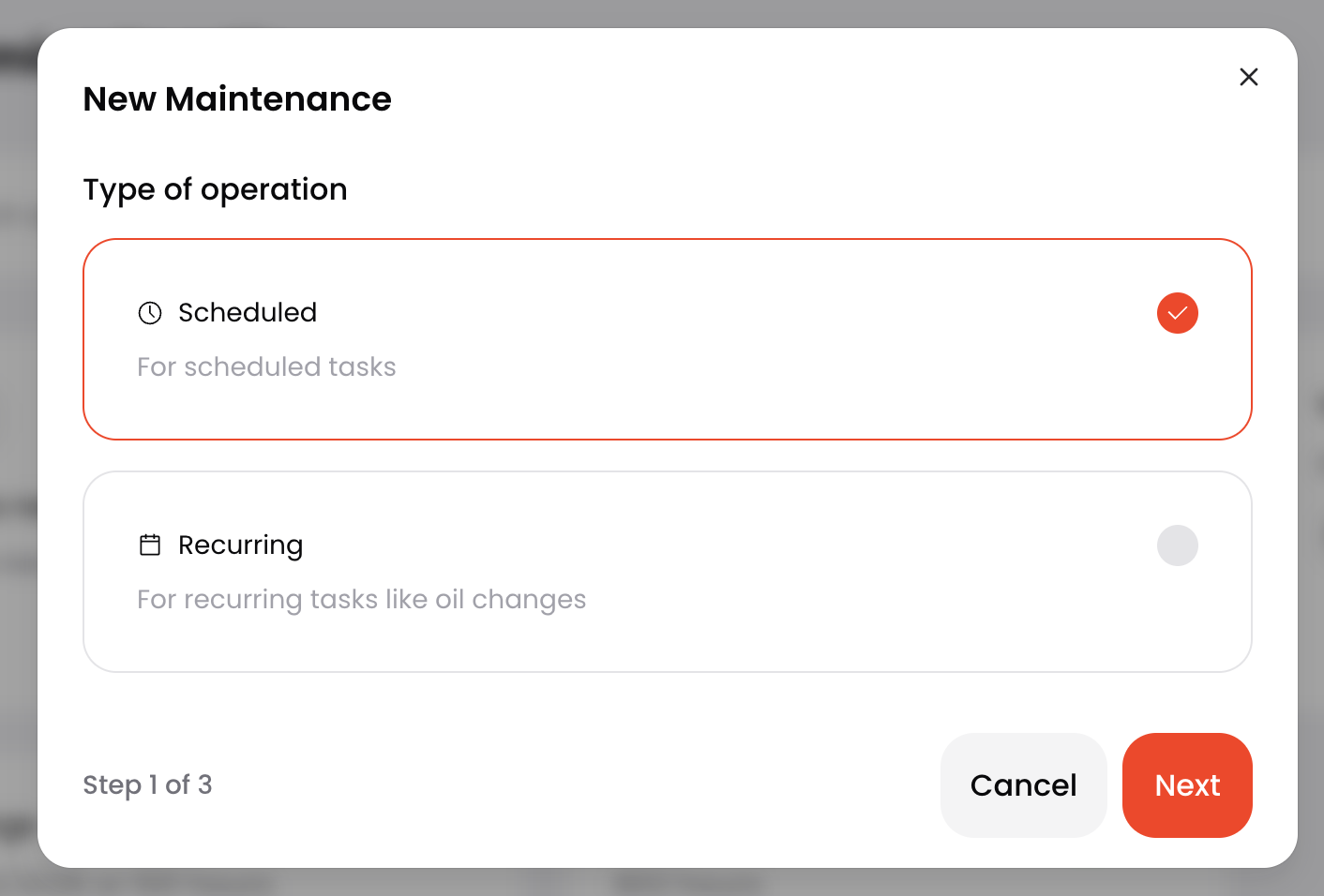
You can choose between:
- Scheduled: a maintenance that will happen just once in the future.
- Recurring: a maintenance that will repeat itself (e.g. oil change).
The maintenance can be scheduled depending on a specific date, on engine hours, or on whatever comes first.
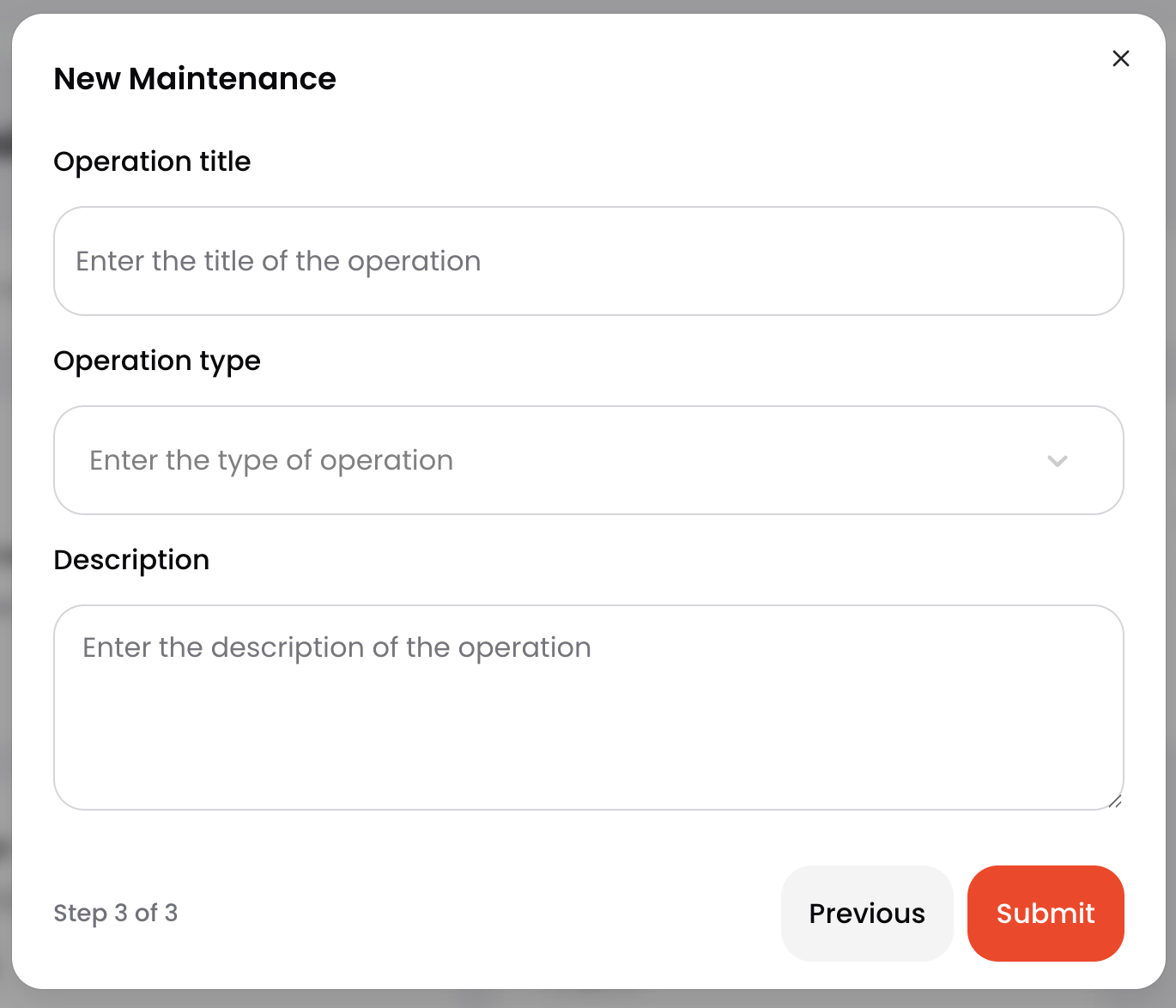
Once done, you can select the environment of work and add details about this planned maintenance.
You can then display these maintenance events in cards, lists or calendar.
Log a maintenance
Once a maintenance is done, you can mark it as done. If you want to log an event that was not planned, you can do it in "Latest Operations" > "New Operation".
Maintenance alerts
You can plan alerts for your maintenance through the bell icon. You'll then receive an email XX days before the deadline. Make sure you have enable maintenance notification in your settings.
Have a clear overview of your fleet
You can have a full overview of the maintenance situation of your fleet in the maintenance tab. You have access to the status of each boat (maintenance done, upcoming deadline, maintenance overdue, no status), as well as all the operations that are programmed in your fleet.
